Private home safety, on-device
One device. Many risks.No video leaves your home.
One HushSight box turns the cameras you already have into cameras that can detect falls, smoke and fire, and strangers. Video and images stay in your home; only event notifications are sent.
Currently in early access. Not on sale yet.
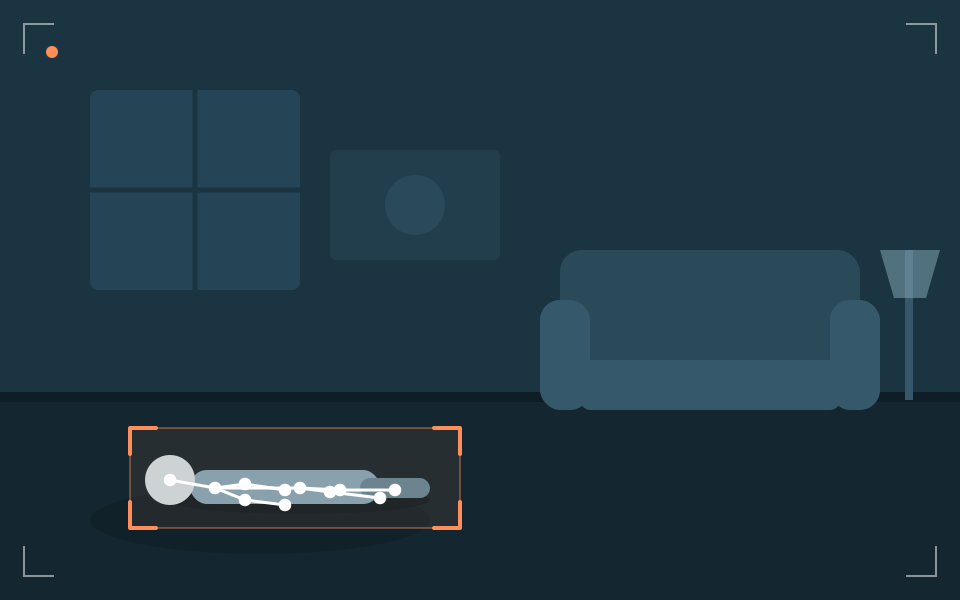
Illustration.
At a glance
- 0
- video sent to the cloud (video stays in your home)
- 3
- setup steps: plug in power, plug in network, scan the QR
- 5
- feature groups: older family, children, security, fire, platform
- 1
- box for several of the cameras you already have
These describe the product's design, not measured performance.
Just one box
No need to replace your cameras. Just add a brain.
Most homes already have cameras. HushSight connects to them over your home network (RTSP/ONVIF) and does the "understanding" right inside your home.
HushSight boxKeep your cameras
Works with many popular brands. See the compatibility list.
Processed at home
Images travel from camera to box inside your home network, not to the cloud.
Three steps to set up
Plug in power, plug in network, scan the QR in the app.
Five groups of features, one box
From caring for parents to home security. Switch on only what you need.
Care for older family
Falls, inactivity, night wandering
- Fall detection
- Unusual inactivity alert Coming soon
- Night wandering Coming soon
Child safety
Danger zones, front door, climbing
- Danger zones Coming soon
- Child at the front door Coming soon
- Climbing detection Coming soon
Security
Strangers, away mode, covered cameras
- Household face recognition Coming soon
- Stranger detection & away mode
- Covered or moved camera alert Coming soon
Fire & environment
Smoke, flame, unattended stove
- Smoke and flame detection
- Unattended stove Coming soon
- Zigbee smoke and gas sensors Coming soon
Platform
On-device, local storage, app
- All AI runs on the box
- Privacy masks Coming soon
- An app for the whole family Coming soon
Detection examples
Six situations, one approach: see on the spot, alert briefly
Pick a situation to see how the HushSight box would "see" and alert. This is an illustration, not real data.
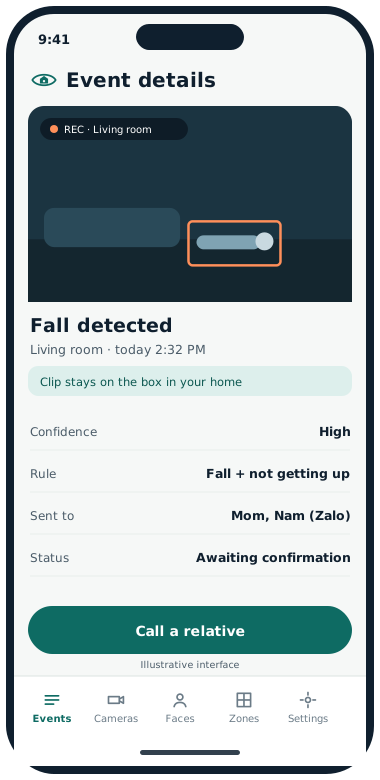
Fall detectedGrandma falls in the living room and hasn't got up. The box notices her posture and alerts a relative right away, with the room name. No video is sent.
Fall detected
- Where · when
- Living room · 2:32 PM
- Confidence
- High
- Rule
- Fall, and not getting up within the time you set
- Sent to
- Relatives 1 and 2 (Zalo), confirmation call
- Status
- Needs review
HushSight is an aid, not a medical device, and does not replace emergency services.
 No movement
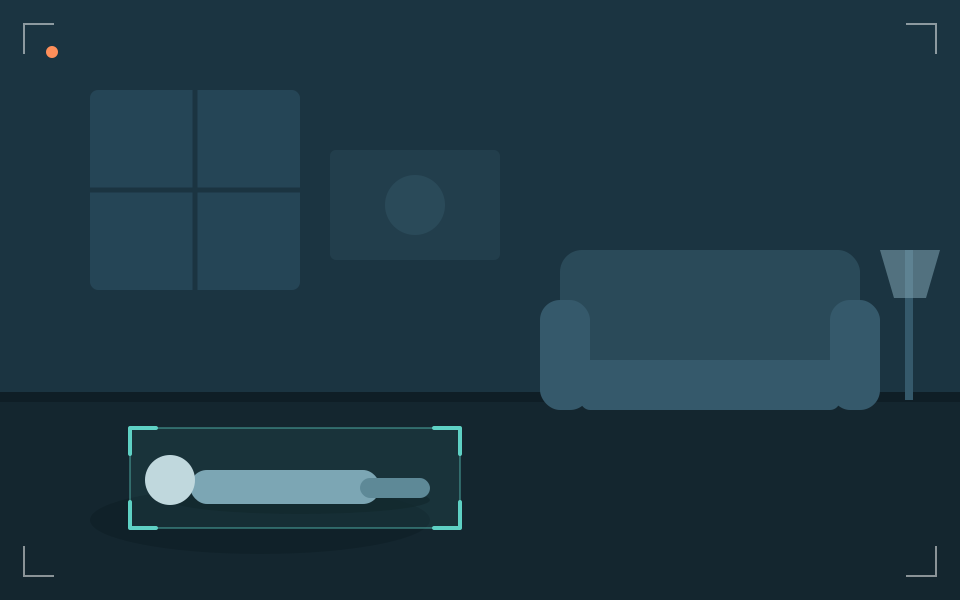
Grandpa has been in his chair since morning with no movement for much longer than usual. The box sends a gentle nudge so you can call and check in.
Unusual inactivity
- Where · when
- Living room · 10:15 AM
- Confidence
- Medium
- Rule
- No movement beyond the time you set, in a place someone usually is
- Sent to
- Relative 1 (app)
- Status
- Sent
 Child in danger zone
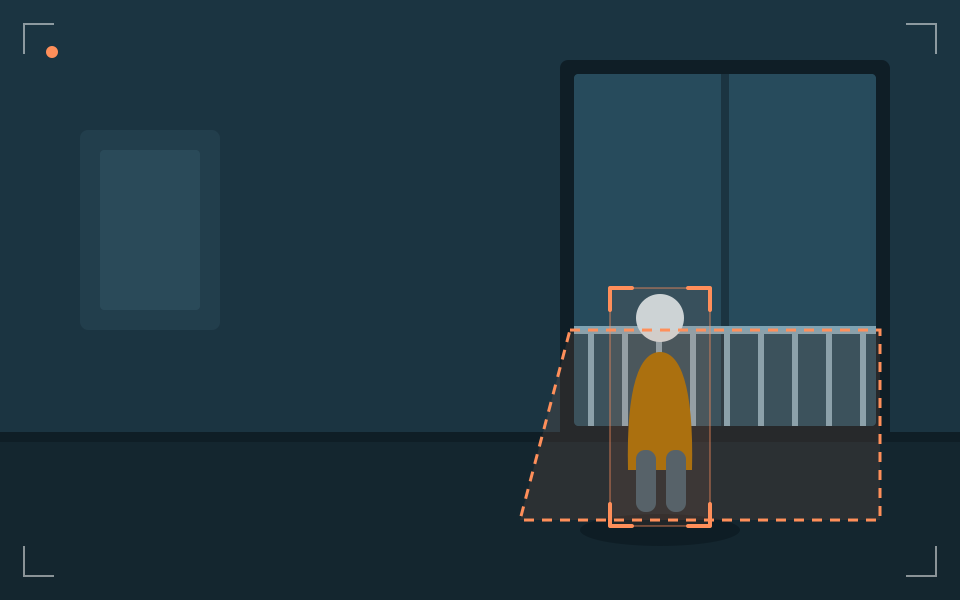
A child runs toward the balcony railing with no adult in the frame. The box alerts you right away so you can call out or step in.
Child near danger zone
- Where · when
- Balcony · 4:48 PM
- Confidence
- High
- Rule
- Child inside the balcony zone, no adult in frame
- Sent to
- Both parents (app)
- Status
- Needs review
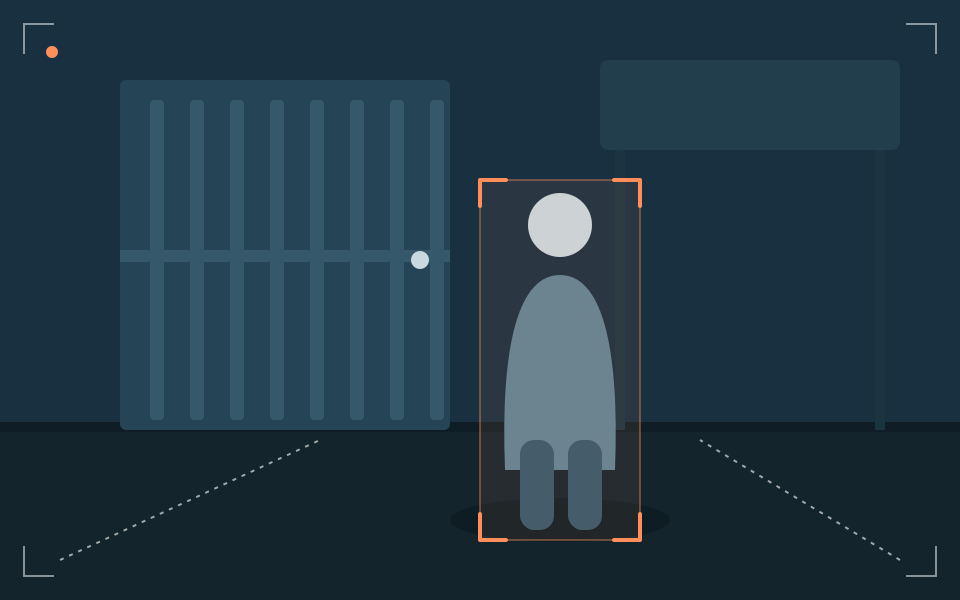 Stranger at the gate
Everyone is out and away mode is on. Someone who isn't on the household list stands at the gate. You get a short notification with the location.
Stranger at the gate
- Where · when
- Front gate · 11:05 AM
- Confidence
- Medium
- Rule
- Away mode on and person not on the household list Coming soon
- Sent to
- You and Relative 1 (Telegram)
- Status
- Sent
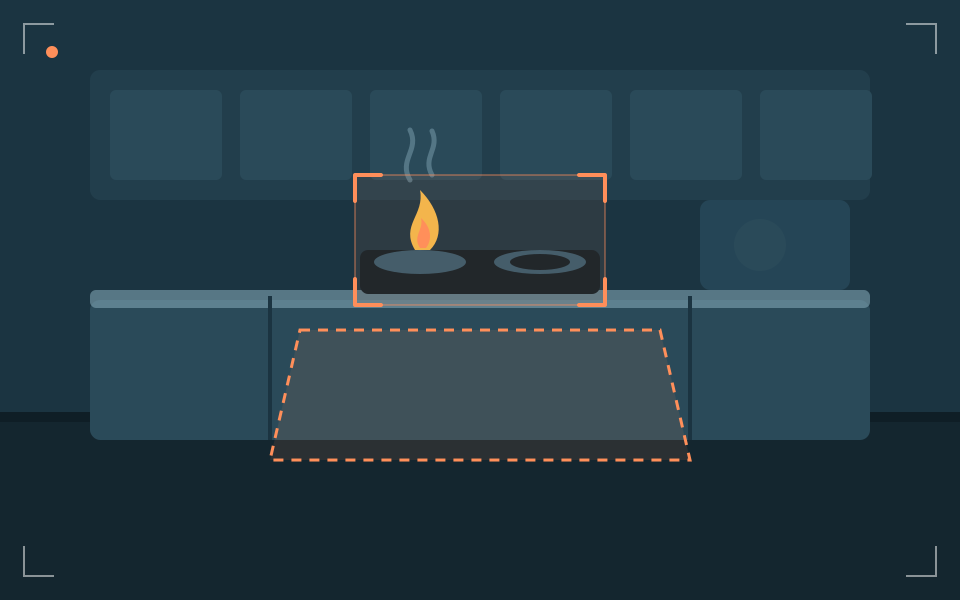 Stove on, nobody there
A burner is still lit, but no one has been in the kitchen for a while. The box reminds you so you can go back or ask someone at home to check.
Unattended stove
- Where · when
- Kitchen · 7:40 AM
- Confidence
- Medium
- Rule
- Flame at the stove, nobody in the kitchen beyond the time you set
- Sent to
- Whoever's cooking (app)
- Status
- Sent
HushSight is not a certified fire alarm. Please keep using a certified smoke detector.
Camera coveredA camera suddenly sees only darkness because it was covered or turned. The box tells you straight away so you know a blind spot has appeared.
Camera covered or moved
- Where · when
- Living room · 2:10 AM
- Confidence
- Needs checking
- Rule
- View blocked or changed suddenly
- Sent to
- You (app)
- Status
- Needs review
Illustrative simulation. Times, places and confidence levels are examples, not HushSight measurements.
Every home is different, one app
Pick what matters to you. The interface beside it is illustrative.
More peace of mind, without making them feel watched
- Alerts when someone falls
- A nudge after unusual inactivity
- Daily routine as numbers, not video
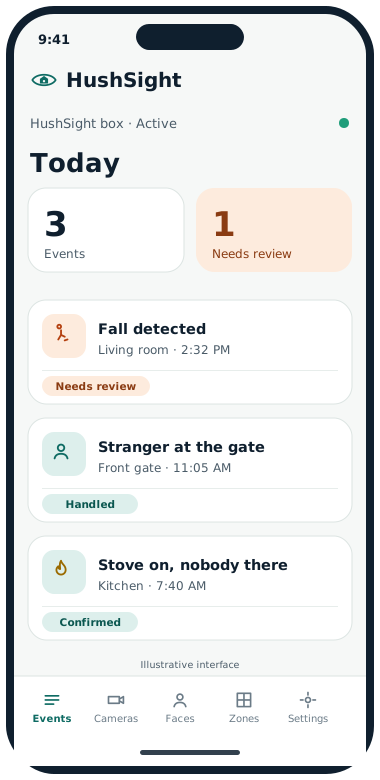
Today
3 events
1 needs review
30-day trend
Illustrative interface and data.
Watch the balcony, the stairs and the front door
- Danger zones you draw yourself
- Alert when a child heads out alone
- Notices climbing
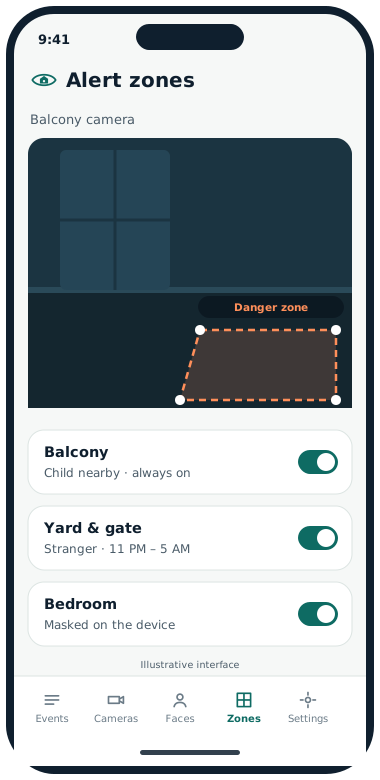
Today
3 events
1 needs review
30-day trend
Illustrative interface and data.
Know who comes and goes, especially when you're out
- Family vs. stranger
- Your own zones and hours
- Alert if a camera is covered
Today
3 events
1 needs review
30-day trend
Illustrative interface and data.
An extra layer watching for smoke, flame and the stove
- Smoke and flame by sight
- Unattended stove alert
- Complements your smoke alarm
Today
3 events
1 needs review
30-day trend
Illustrative interface and data.
From detection to you knowing: four steps
1. Detect
The box watches camera images right in your home, around the clock.
2. Verify
Checks against the rules you set: zone, hours, family or stranger, before alerting.
3. Alert
Sends a short notification to the people you choose, and sounds the siren or light at home if you want.
4. Log
Records the event in the app. Any clip stays on the box in your home.
Some steps (siren, light, clip storage) are coming-soon features.
Private by architecture
Video stays in your home. Only event notifications are sent.
Cameras send images to the HushSight box inside your home network. The box analyses them on the spot and sends out only a line of text: the type of event, the time and the room. There's no video on a server to leak.
Inside your home
Set up in three steps
Step 1: Plug in power
Put the box near your router and plug it in.
Step 2: Plug in network
Connect the box to your router with an Ethernet cable. It looks for cameras on your network.
Step 3: Scan the QR in the app
Scan the QR code to pair your phone, then choose the risks you want watched.
Some cameras need RTSP/ONVIF switched on in the maker's app first. Setup details may change during early access.
Works with many cameras you already own
Cameras that support RTSP or ONVIF usually work. The list is based on the makers' information and will be updated after real-world testing.
- Hikvision· Compatible
- Dahua· Compatible
- Tapo· Manual setup
- Imou· Manual setup
- Ezviz· Manual setup
- Battery-powered Tapo· Not supported
- Kami· Not supported
- Yi· Not supported
- Yoosee· Not yet verified
- Xiaomi· Not yet verified
- FPT Camera· Not yet verified
- Viettel Camera· Not yet verified
Which features does your home need?
Answer six short questions, about a minute. Your answers stay in your browser.
No purchase required. Not on sale yet.
Frequently asked questions
What is HushSight?
HushSight is an AI box that sits in your home. It connects to your existing cameras and detects falls, smoke and fire, strangers and other risks on the device. Video and images stay in your home; only event notifications are sent. HushSight is built by HushSight and is currently in early access.
Does my video get sent anywhere?
No. Video and images stay in your home. The only thing that leaves is an event notification: the type of alert, the time and the room name. That notification still travels over the internet and your phone's push-notification service.
Does it work when the internet is down?
Detection runs on the device, so it's designed to keep working during an outage. To get notifications on your phone, though, you need a connection.
How much does it cost and when is it available?
We haven't announced pricing or a sale date. Join early access to hear first; there's no obligation to buy.